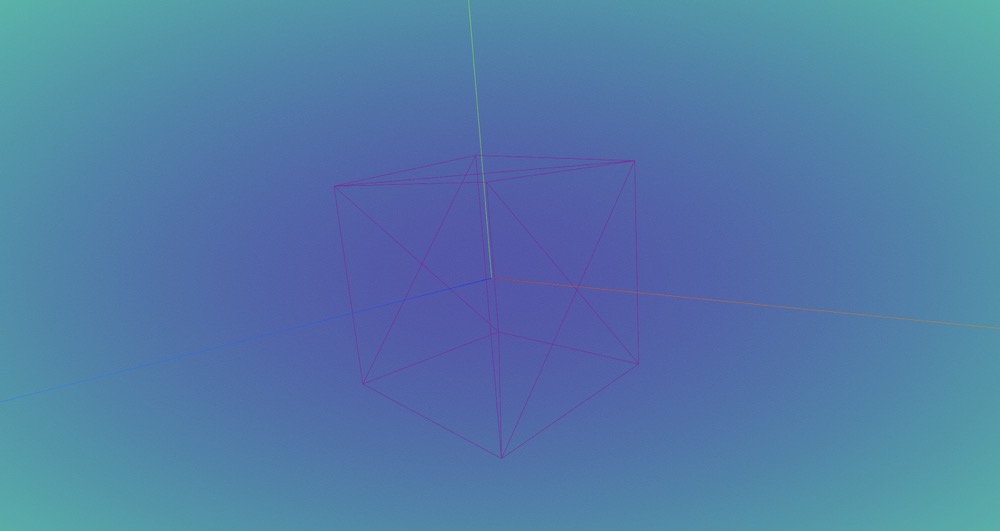
Introdction
Contents
Introdction#
Copper3D is a library base on Three.js!
The main function for this library includes: multiple scene, gltfloader plugin, and GUI. In the future, this library also will develop MRI/nrrd loaders function. Although, threejs has already included those functions, this library will simplify the proccess of build a 3D visualization app by using these functions.
The main purpose of this library is to provide a stable loader function, a high quality model loading, and nice GUI control.
Notice:
Currently the library is under develop period, the npm package name is temporary, it will be change after.
FunctionsGltfloader pluginAllows user to load multiple GLTF models in different pages with one WebGLRender. Allows user easily to control and interact with load models.GUIA nice GUI for user to control and debug APP, and config background.Multiple ScenesAllows user to create multiple scene in a signle page, and allows data sharing between each scene. Each scene can has its own GUI for Customization.MRI/NRRD LoaderA loader allows user easily to load MRI/NRRD images on a visualisation APP. And, it will provide a nice GUI for user to interact with customisation model and MRI/NRRD model.
Base Implementation#
Install the library#
Install the library in a visualisation APP (Vue, Vite, React)
Demo use vite
Install
mkdir demo-for-copper3d
cd demo-for-copper3d
npm init vite@latest
cd your vite-app
npm i gltfloader-plugin-test
Create a container for Copper3d Gltfloader plugin
<template>
  <div id="bg" ref="base_container"></div>
</template>
<style>
  #bg {
    width: 100vw;
    height: 100vh;
  }
</style>
Load your first demo model.
<script setup lang="ts">
    import * as Copper from "gltfloader-plugin-test";
    import { getCurrentInstance, onMounted } from "vue";
    let refs = null;
    let appRenderer: Copper.Renderer;
    onMounted(() => {
        let { $refs } = (getCurrentInstance() as any).proxy;
        refs = $refs;

        // get root container
        const bg: HTMLDivElement = refs.base_container;

        appRenderer = new Copper.Renderer(bg);

        const defaultScene = appRenderer.getCurrentScene();
        defaultScene.createDemoMesh();

        appRenderer.animate();
     });
<script>
Results